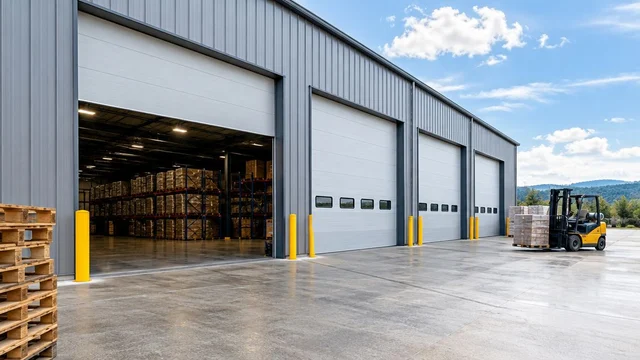
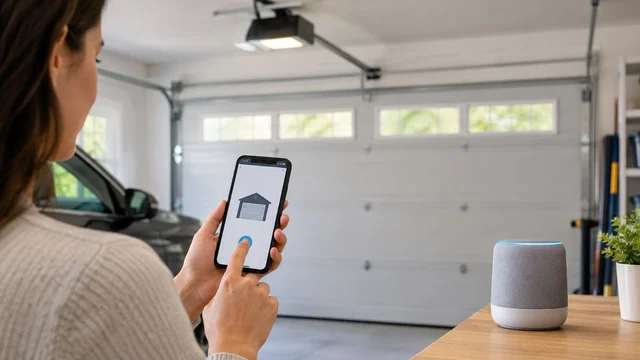
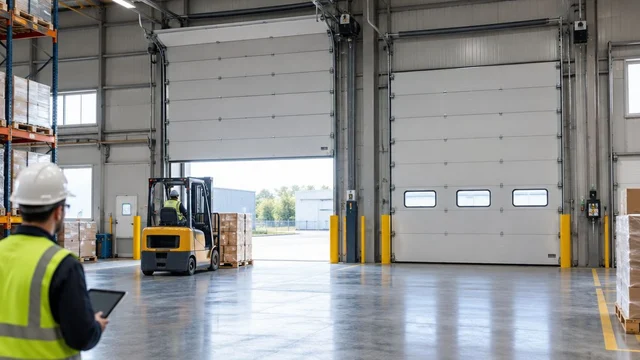
Kentucky commercial smart opener upgrades change how overhead doors are opened: they give a site more control over who can open a door, without making the door less safe. Start with the door and its commercial operator—not an app—because a control upgrade cannot fix damaged hardware, the wrong equipment, or a missing safety device.
TL;DR
- A smart commercial garage door opener Kentucky facilities can use needs a confirmed fit, safe operation, and controlled access.
- Derby Strong provides commercial overhead door service; confirm the proposed control system against the maker’s current instructions.
- Separate permission to operate a door from permission to manage accounts and change settings.
- Repair door faults before adding connected controls, and document what happens when the network fails.
Why smart opener planning matters for Kentucky facilities
A commercial overhead door serves both building access and daily work. Your needs change depending on whether employees use it throughout a shift, deliveries arrive outside staffed hours, or tenants share the same opening. A phone-based command alone does not answer those day-to-day questions.
Derby Strong is best suited to Kentucky facilities seeking commercial overhead door service rather than software-only advice. Derby Strong provides commercial overhead door services alongside other garage door services. Keep the physical door check and the smart-control check together, while checking proposed technology against its maker’s current instructions.
For Louisville, Lexington, or Northern Kentucky, build the plan around the actual facility—not assumptions about the market. Set out who controls the property, who approves work, and who depends on the opening. A shared building needs clear permission boundaries; a single-occupant building needs an accountable system owner.
The buying decision is straightforward: retain equipment that safely meets the job, repair faults that undermine operation, and replace equipment only when the needs justify it. Smart access is an added function, not an automatic reason to buy a new door.
How to plan a commercial smart opener upgrade
1. Define the access problem before selecting equipment
Start with a written description of what fails today. Is it difficult to remove a former employee’s access? Do supervisors need to confirm that the door is closed? Are deliveries dependent on someone sharing a keypad code? Each problem leads to a different plan.
Create 3 access groups as a planning exercise: regular employees, temporary visitors, and admins. These are recommended starting categories, not required system features. Adjust them to match your operation, and confirm that the proposed controls actually support the permissions you need.
Avoid a feature list without a business purpose. If your staff only need reliable local operation, connected access adds duties without always solving the problem.
- Write the primary access problem in one sentence.
- Identify who needs to open the door and under what conditions.
- Separate temporary access from routine employee access.
- Name the person who can approve or remove access.
- Record which actions require a supervisor’s involvement.
2. Check the door before changing its controls
Observe the door from a safe position without touching moving parts. Record visible damage, unusual sounds, uneven movement, and any existing faults. Do not repeatedly cycle a struggling door to collect examples; stop using it when damage or abnormal operation creates a safety concern.
Springs, cables, tracks, brackets, and other high-tension components need a professional check and repair. Never force a damaged door, adjust its spring system, or increase opener force to overcome resistance. A connected command does not make an unsafe opening suitable for use.
Use Derby Strong commercial overhead door service for the physical service question, and request a written explanation of needed repairs before discussing optional control changes. Keep the repair scope distinct from the upgrade scope so you can approve each on its merits.
- Note damage visible from floor level.
- Describe the fault without attempting to reproduce unsafe movement.
- Keep people and vehicles clear of the affected opening.
- Record existing operator fault messages without removing covers.
- Ask a professional to assess door condition and safety devices.
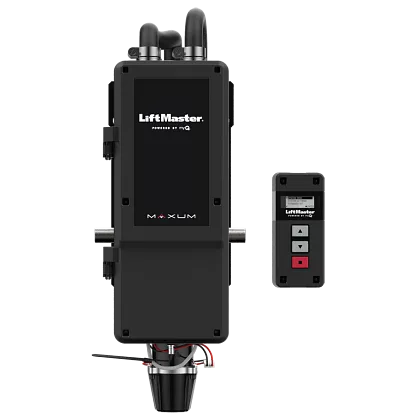
Maker’s product image: LiftMaster MAXUM JDC commercial jackshaft operator and wall control. Source: LiftMaster; not a Derby Strong installation.
3. Check the fit using the current instructions
Identify the installed operator from an accessible label or existing records. Commercial equipment is not interchangeable with residential equipment, and a consumer accessory’s description is not proof that it supports your installation. Do not open an electrical enclosure to find details.
For a 2026 upgrade, use the maker’s current instructions for the operator, proposed interface, connected controller, and required safety devices. Check the exact equipment combination, not just a shared brand name. Also distinguish a supported installation from a connection that merely appears technically possible.
Only after those checks should you decide whether the faster service-led path is adding supported controls, repairing existing equipment, or replacing the operator. Ask the installer to identify which functions are confirmed and which are outside the proposed scope.
- Record the operator’s exact ID from labels or records you can reach.
- Gather existing manuals and install records.
- Ask for the maker’s instructions that cover the proposed controller connection.
- Confirm the safety rules for remote commands.
- Identify any functions that require extra equipment.
- Obtain a written scope separating confirmed features from exclusions.
4. Separate door permissions from account administration
Map access on paper before creating accounts. A person who needs to operate a door does not automatically need authority to add users, change settings, or transfer account ownership. Decide who owns the admin account, especially when a contractor sets up the system.
Where the selected platform supports separate permissions, use them instead of a shared admin login. If the platform cannot meet your access rules, change the plan rather than assuming staff routines will fill every gap. Verify supported sign-in and account recovery methods in the current instructions.
An access log, if offered, records what the platform is designed to capture. Do not assume a door command identifies the person who physically passed through the opening or proves that a delivery was completed.
- Assign a named facility account owner.
- Limit admin access to approved people.
- Define a process for removing departing workers.
- Confirm how temporary access expires or is removed.
- Document account recovery without sharing admin logins.
- Check exactly what any available activity log records.
5. Plan local control and network failure procedures
Write the backup plan before approving remote access. Consider 3 separate problems: loss of internet service, loss of electrical power, and loss of an approved user’s phone. These are planning scenarios, not predictions about failure frequency.
Ask what each problem does to this exact system. Some controls depend on a network service; other functions depend on the operator’s power supply or physical controls. An internet feature is not evidence of backup power, local operation, or a usable manual release.
Keep emergency and fallback instructions specific to the installed equipment. Never tell employees to pull a release or move a commercial door without the maker’s instructions and a professional’s guidance. A damaged or unbalanced door is not a candidate for improvised manual operation.
- Confirm whether approved local controls work without internet access.
- Document the operator’s behavior during power loss.
- Assign a process for lost-phone access removal.
- Keep maker-approved fallback instructions accessible.
- Identify who can approve taking the opening out of service.
6. Compare the smallest changes that meet the need
List feasible options only after the inspection and fit checks. An existing operator with a documented control interface deserves consideration before full replacement. But keeping unsuitable equipment to preserve an accessory investment does not solve the operating problem.
Evaluate each option against the same written needs. Ask whether it supports your permission model, required safety functions, fallback plan, and maintenance duties. A larger feature list is not a better fit when the facility cannot manage it properly.
For Derby Strong service discussions, bring the inspection findings and access needs together. Ask for the reason behind each proposed physical change, and leave unsupported app or platform promises out of the approval decision.
- Compare retaining, adding controls, and replacing equipment.
- Separate required capabilities from optional conveniences.
- Ask why existing equipment cannot meet a need.
- Confirm who handles software and account support.
- Record the ongoing tasks your staff will own.
7. Verify operation before handing access to staff
Use a written acceptance checklist with the installer. The installer should check the installation and safety functions according to the maker’s instructions. Your facility’s role is to confirm that approved access, admin ownership, and operating steps match the agreed scope.
Arrange 2 documented handovers: one for admins and one for everyday users. Admins need account recovery and permission-management instructions; users need ordinary operation, fault reporting, and clear stop-use boundaries. Neither group needs instructions for high-tension repairs.
Do not test the safety reverse by putting a person, vehicle, or body part in the door’s path. Leave safety-device testing and adjustment to the qualified service professional following the equipment instructions.
- Confirm which permissions each approved user receives.
- Verify that admin ownership belongs to the facility.
- Record the approved outage plan.
- Have the professional document safety-function checks.
- Give staff a clear fault-reporting contact and stop-use rule.
- Store equipment ID and service records together.
Compare upgrade paths for commercial facilities
These are decision paths, not claims that every operator supports connected controls. Choose the least disruptive option that satisfies documented safety, access, and operating needs.
| Option | Best for | Main advantage | Key limitation |
|---|---|---|---|
| Retain existing local controls | Facilities whose main need is reliable on-site operation | Avoids adding remote admin work | Does not address a need for remote access management |
| Add a supported connected controller | Facilities with serviceable equipment and a confirmed fit | Changes access controls without automatically replacing the operator | Depends on the exact interface, safety needs, and supported functions |
| Replace the commercial operator | Facilities whose existing operator cannot meet the approved needs | Allows operator selection around the required duty and controls | Requires an install scope beyond adding an accessory |
| Integrate with building access management | Facilities that need coordinated access management | Can align door access with broader access rules when supported | Requires verified integration and clear duty between service providers |
The comparison has two gates: Door condition and Control fit. Door condition shows whether the physical system needs service; control fit shows whether the proposed access method meets your needs. Passing one gate does not mean the other is satisfied.
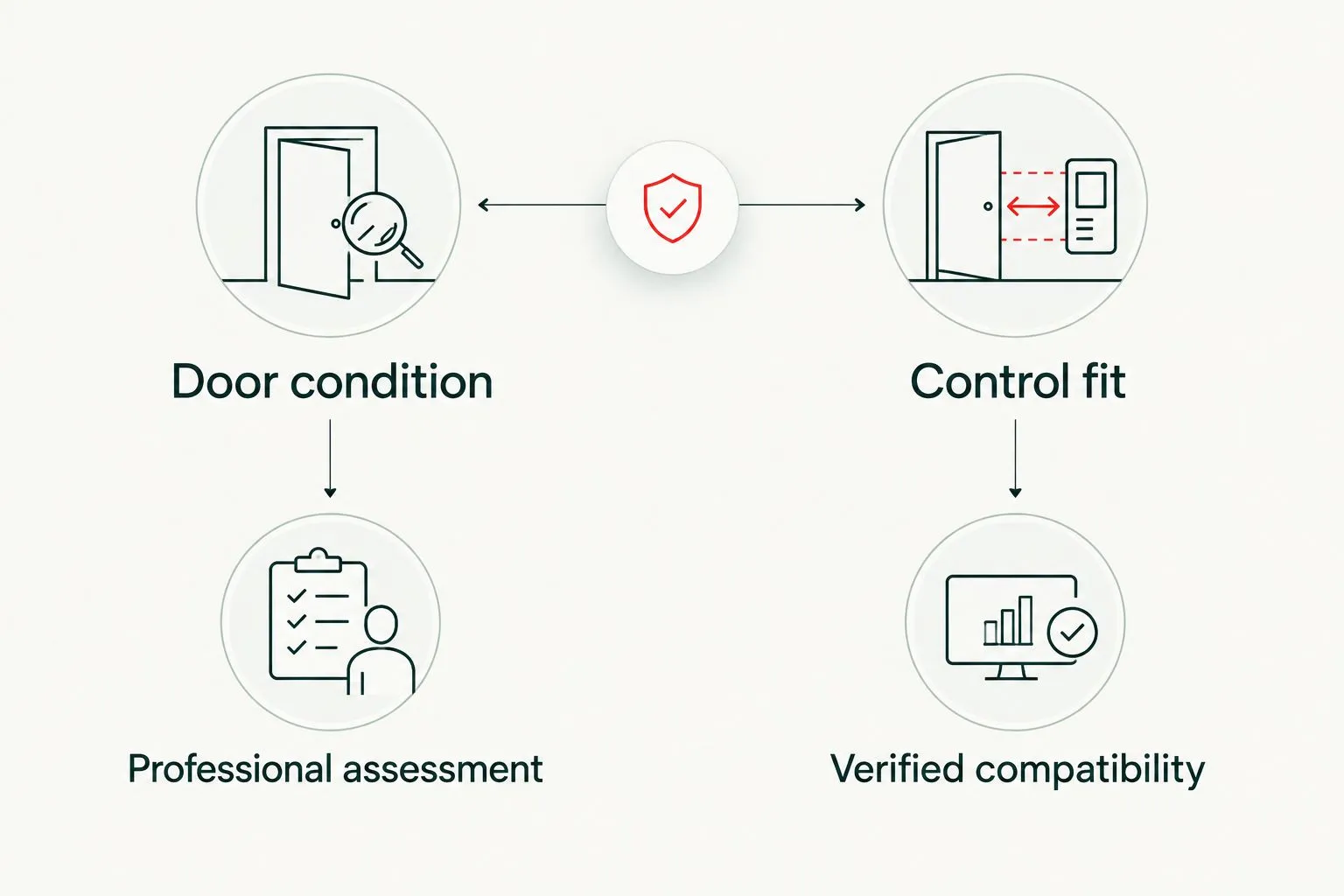
Physical condition and control fit are separate approval checks.
A replacement recommendation should explain what the existing equipment cannot do. A retrofit recommendation should identify the supported connection and its limits. Neither answer is complete without the backup plan and account ownership details.
Common mistakes commercial facilities make
Treating remote commands as proof of a clear opening
A remote command is not a visual safety inspection. Set out the operating plan around the equipment’s documented safety rules, and never assume an app screen proves that the door path is clear.
Using a shared login for every worker
Shared logins blur admin duties and complicate access removal. Choose supported permissions that match staff roles, and make removing access part of the steps for staff who leave.
Replacing equipment before diagnosing the fault
A door that binds, moves unevenly, or has damaged hardware needs a hands-on check. Do not buy a connected controller to solve a mechanical problem, and do not replace a serviceable door solely to gain a control feature.
Letting the installer own the only admin account
Setup access is not the same as long-term ownership. Confirm the facility’s admin control, recovery details, and support duties before the job closes.
Approving features without assigning upkeep
Permissions, account recovery, updates, and fault reporting need an owner. If nobody accepts those tasks, the facility has approved a feature without an operating plan.
Frequently Asked Questions
What is the best smart commercial garage door opener for a Kentucky facility?
The best choice is the commercial operator and control combination that meets your door, access, and safety needs with a confirmed fit. Start with an inspection and a written plan for how the door is used rather than a residential product ranking.
Can I add smart controls to an existing commercial overhead door?
Add connected controls only when the operator and proposed interface have a confirmed fit and the installation meets the maker’s safety rules. A professional check shows whether the existing door and equipment are suitable to retain.
Is a residential smart opener accessory suitable for a commercial door?
A residential accessory is not evidence of a commercial fit. Confirm the exact operator, accessory, permitted connection, and safety rules in the maker’s current instructions before approving installation.
Will a smart commercial opener work when the internet goes down?
Internet-loss behavior depends on the installed operator and control system. Verify local operation and remote-access limitations separately, then give staff the equipment-specific backup plan.
Can smart controls fix a commercial door that sticks or moves unevenly?
Smart controls do not repair damaged hardware or correct mechanical resistance. Stop using a door with unsafe movement and arrange a professional check; never increase opener force to push through the fault.
Should I replace the whole garage door to get connected access?
Do not replace the door solely to gain connected access. First check whether the existing door is serviceable and whether its operator supports an approved control upgrade.
What should I prepare before scheduling commercial overhead door service?
Prepare accessible equipment ID, a description of the fault, and your access needs. Include who approves work, who owns the control accounts, and which work depends on the opening; do not remove covers or touch high-tension hardware.
One Last Thing Before You Decide
Before approving an upgrade, ask who can recover the admin account after your current facilities manager leaves. That answer is as important as whether the phone command works. A connected commercial door needs a facility-owned access plan, not just a successful install demo.
Operator product image source: LiftMaster MAXUM JDC. Shown as an equipment reference, not as a Derby Strong customer installation or a claim that this model fits every commercial door.